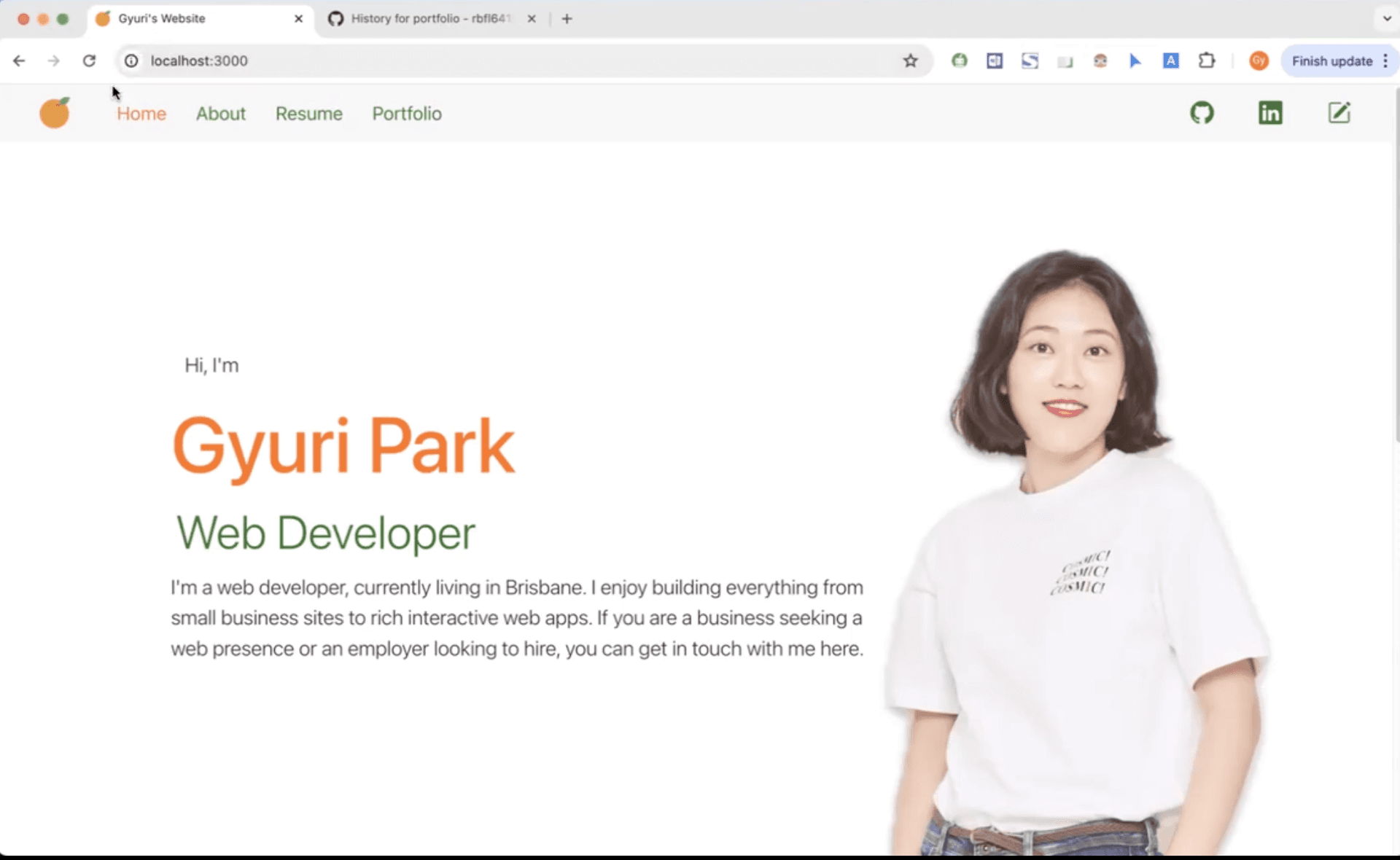
2025-03-12
Portfolio Website
A professional React-based portfolio to showcase projects, resume, and technical skills with integrated contact features.
🚀 Professional Developer Portfolio
This is a personal portfolio website designed specifically for web developers. It's a one-stop space to showcase everything from live project demos to professional experience, making it easy for recruiters and collaborators to get to know me.
🔗 Project Links
- GitHub Repository: gyuripk/portfolio
📺 Project Showcase
Experience how the portfolio displays GitHub repositories and project demo videos from YouTube in a clean, organized layout.
✨ Key Features
- Project Gallery: Displays a curated list of GitHub repositories with descriptions, dates, and direct links.
- Interactive Resume: A professional summary of work experience and technical skills using
ag-grid. - Contact System: An integrated email feature using
emailjs-comfor direct communication. - Personal Touch: An "About" section featuring personal stories and a favorite Spotify playlist.
- Social Integration: Quick access to LinkedIn, GitHub, and technical blogs.
🏗 Application Architecture
The project follows a clean and modular React structure:
src/components/: Reusable UI elements like Headers and Footers.src/hooks/: Custom logic, including Spotify authentication.src/pages/: Main page components such as Home, About, and Portfolio.public/: Static assets and the core HTML template.
🛠 Tech Stack & Dependencies
This project was built using Create React App and leverages several powerful libraries:
- UI & Layout: Bootstrap, Reactstrap, and React-Select.
- Data Display: Ag-Grid (Community & React) for structured data.
- Routing: React-Router-Dom for seamless page transitions.
- Content: React-Markdown for rendering blog-style text.
🚀 Installation & Setup
Want to run this project locally? Follow these simple steps:
# 1. Clone the repository
git clone [https://github.com/gyuripk/portfolio.git](https://github.com/gyuripk/portfolio.git)

# 2. Enter the directory
cd portfolio

# 3. Install all dependencies
npm install

# 4. Start the development server
npm start
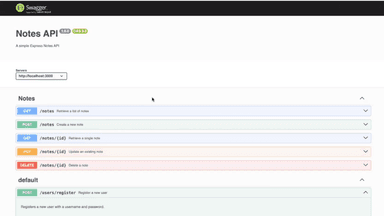
Server-side Architecture
A comprehensive look at building a robust backend system using Node.js and TypeScript.
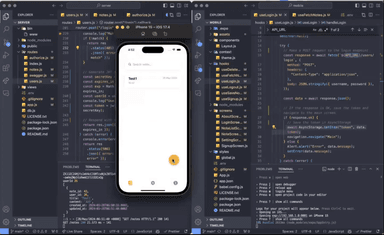
Mobile App
A deep dive into developing a cross-platform mobile app using React Native and TypeScript.